

Series pages and standings
Where a whole series lives: the standings table by division, race documents, the entry list, the schedule, and what Provisional and Final mean.
Also known as: standings, series, points, scoring, provisional, final, division, PHRF, results, entry list, entries, schedule, documents, notice of race, sailing instructions, season
A series page gathers a whole season of one series: who is winning, what the documents say, who has entered, and every race with its outcome. Reach it from Racing, then Series, or from the series name at the top of any race page.
Standings
One card per division, exactly as the club scores it. Each row is the rank, an arrow showing whether that boat moved up or down, the boat name with its sail number, the skipper and PHRF rating, and the points.
Divisions come straight from the club, so five PHRF divisions make five cards and there is no combined table. Each card shows five boats with a Show all N boats link underneath.
The pill beside a division name is either Provisional or Final. It reflects what the club has published, not a Slipside judgement: anything the club has not marked final reads Provisional, including a series that has clearly finished. A Full results ↗ link opens the club’s own results when it publishes them elsewhere.
The rest of the page
- Season: when Slipside holds more than one year of a series, a row of chips lets you look back. The current one is marked now.
- Registration: for the few series that run entry through Slipside, a card here does it. See Entering a series from your phone.
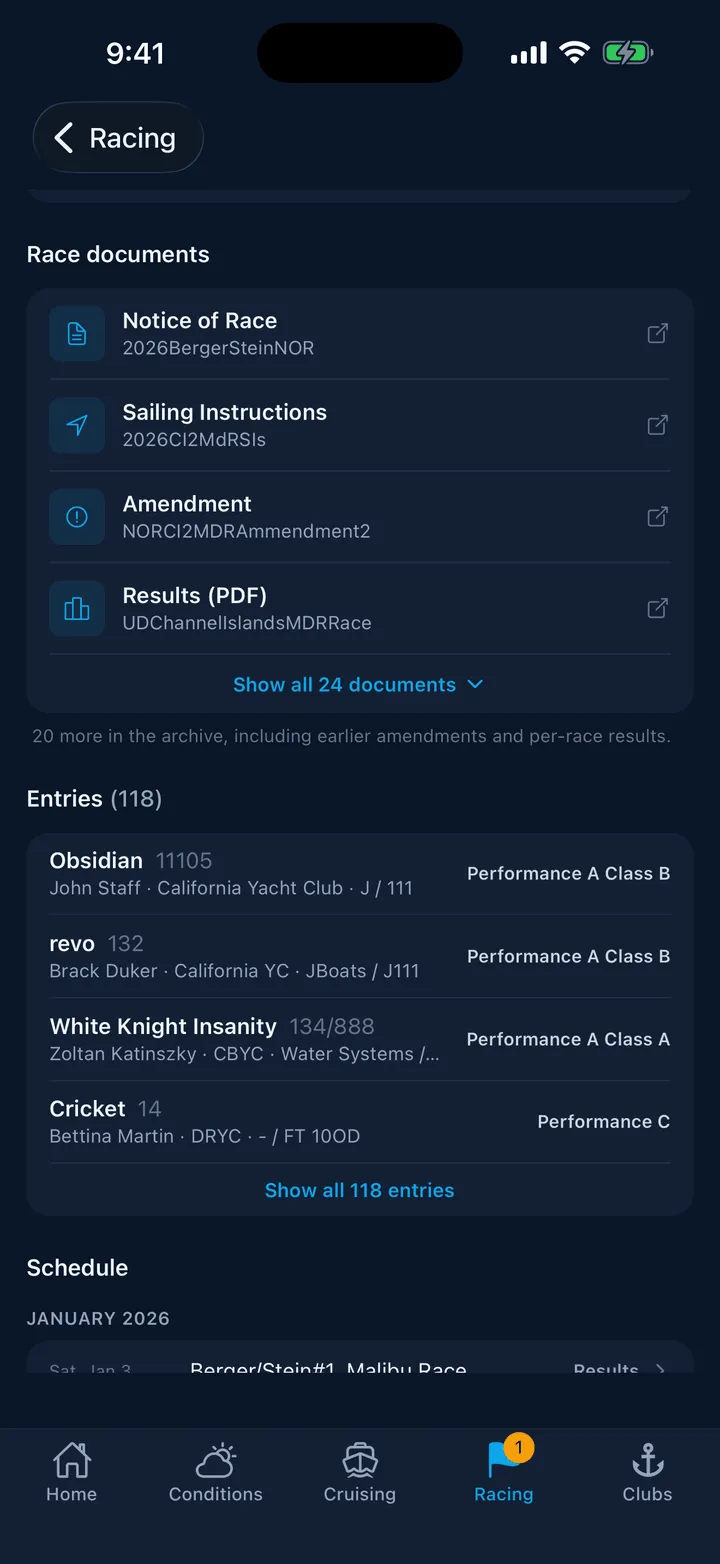
- Race documents: the notice of race, sailing instructions, amendments, results PDFs and entry lists, newest first, with Show all N documents when there are many.
- Entries: the boats the club has listed, with sail numbers, skippers, clubs and divisions.
- Schedule: every race by month, each with its outcome word: Scheduled, Today, Results, No results, Not sailed or Cancelled. Tap any of them to open that race.
- Divisions: the fleets the series is scored in.
At the foot of the page is where the data came from, which is usually the SCYA race calendar for the schedule and Regatta Network for the documents, entries and results.
Still stuck? In the app, open Profile, then Help & Support, and use Send to support. Otherwise email support@slipside.app.