

Getting help and contacting us
Search the FAQ in the app, ask a question, replay the quick tours, and send a message to a person when none of that works.
Also known as: help, support, contact, contact us, email, bug, report a bug, feedback, FAQ, ask a question, tours, replay tour, send to support, something is broken
Help lives in one place: open Profile, then Help & Support.
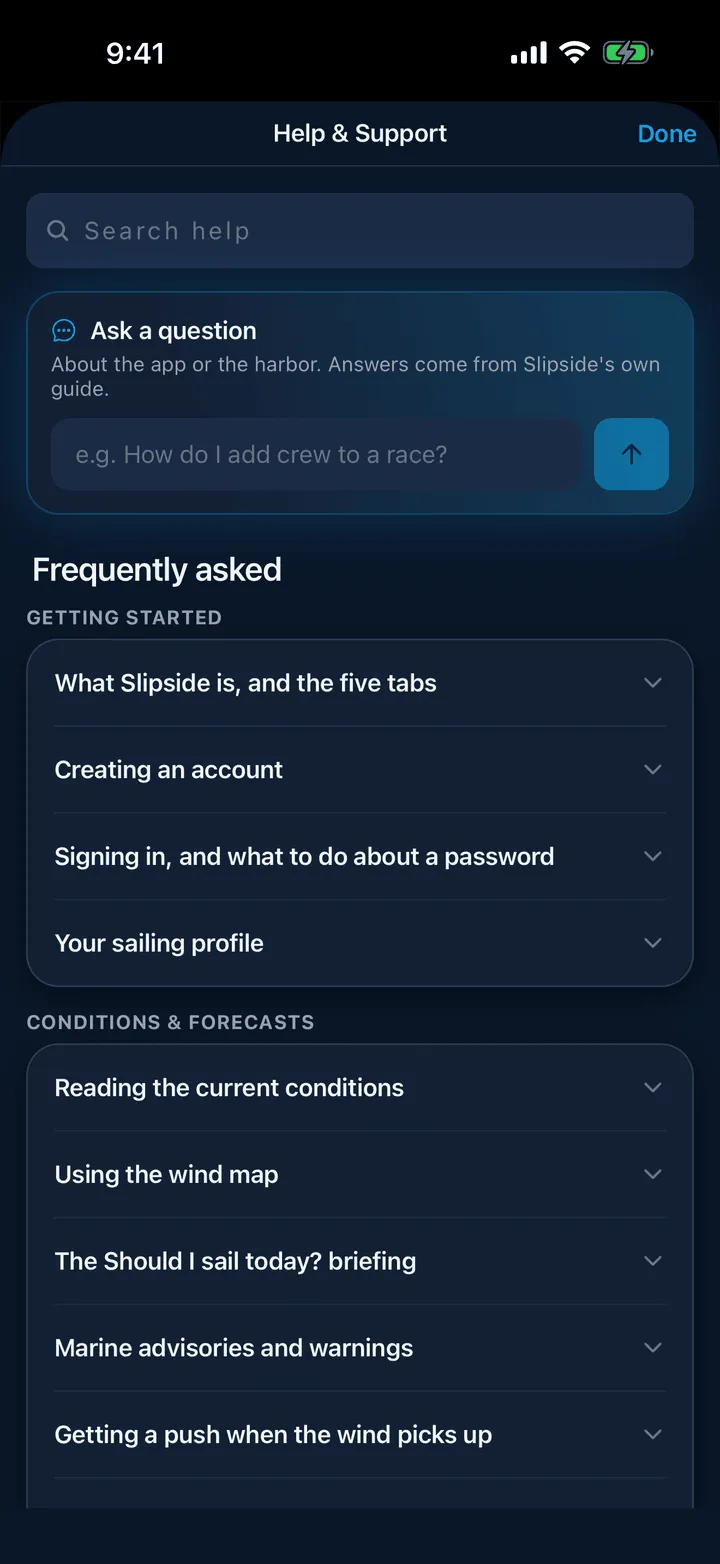
What is on it
- Search help at the top, across every article. It matches the words people actually type, so “how windy” and “gusts” both find the wind article.
- Ask a question, which answers in a couple of sentences from this help center and the harbor guide. It names the tab or screen to open.
- Frequently asked, grouped by area. Open one for the short answer and a Read the full guide link to the article here on help.slipside.app, with its screenshots.
- Replay the quick tours, which brings back the short tips on Home, Racing and Crew Finder.
- Contact support.
Contacting a person
Use Send to support on that screen rather than email if you can. It attaches your app version, device and OS automatically, which is usually the difference between a quick fix and three messages of questions.
- Write a Subject and say what happened and what you were trying to do.
- Signed out, add an email address so we can reply.
- Tap Send to support.
If you cannot get into the app at all, email support@slipside.app.
What to include for a bug
What you tapped, what you expected, and what happened instead. If it involves a race, a boat or a listing, name it. A screenshot helps if you are emailing.
Who you are writing to
Slipside is made by a small team in Marina del Rey. Support email is read by a person, not a bot, and there is no ticket queue to sit in. Replies come from support@slipside.app.
Still stuck? In the app, open Profile, then Help & Support, and use Send to support. Otherwise email support@slipside.app.