

Linking to the skipper's boat
When you and the skipper both list the same boat, link the two so crew lists, entries and results line up under one record.
Also known as: link boat, claim boat, same boat, duplicate, skipper says this is their boat, link them, different boat, unlink, canonical boat, my boat is listed twice
Two sailors can end up with two records of one boat: the skipper’s, and a crew member’s own note that they sail on it. Linking joins them, so everyone sees the same specs and the same crew list.
If you are the crew
When a skipper claims a boat that looks like yours, a panel appears on that boat’s card in My Boats:
{Skipper} says this is their {boat} ({sail number}). Link your entry so crew lists and race entries line up.
Tap Link them if it is the same boat, or Different boat if it is not. Nothing changes on your profile until you answer, and answering “different boat” means you will not be asked again.
Once linked, your card shows the skipper’s details for the boat, marked with a small note: those come from the skipper’s record so every crew member sees the same numbers, and only they can change them.
You can also start it yourself. Open the boat, and where it is not linked you will see Link to the skipper’s boat.
If you are the skipper
Right after you add a boat you own, Slipside looks for sailors who already list something like it and offers Is this your boat?
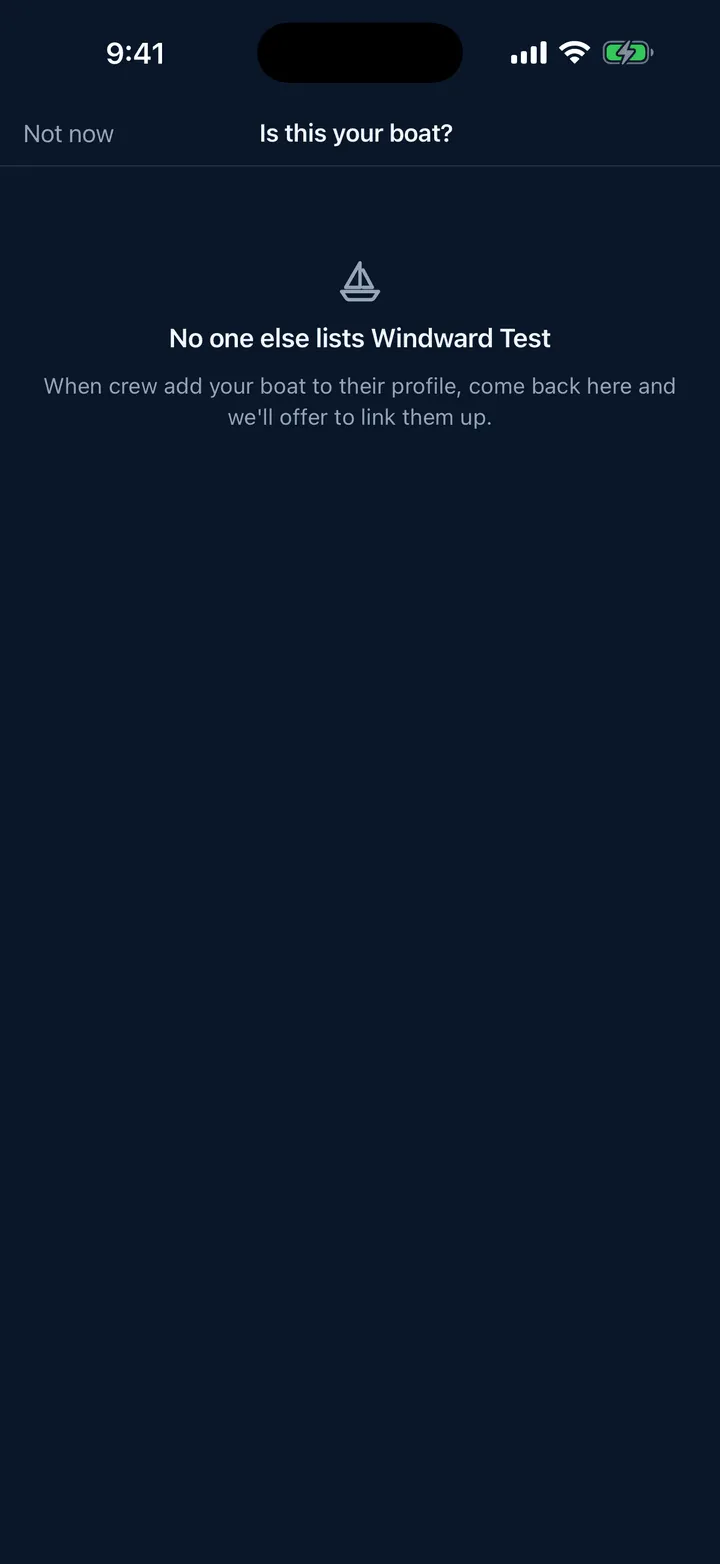
Each row shows the sailor, what they list, and how confident the match is: Same name and sail number, Same boat name or Similar name. The confident ones start ticked. Tap Ask them to link.
Nothing changes on their profile until they agree. You can run this again later from the boat’s detail sheet: Find sailors on this boat.
Why bother
A linked boat means one crew list rather than several, race entries that point at the same boat, and results that gather in one place. An unlinked crew entry still works, it just does not join anything up.
Still stuck? In the app, open Profile, then Help & Support, and use Send to support. Otherwise email support@slipside.app.