

Marking the races you are in
Tap I'm in on any race to add it to My Races, tag the boat you are sailing, and see your finishes for the season under My results.
Also known as: I'm in, im in, my races, entered, add a race, remove a race, which boat, my results, my finishes, how did I do, results for my boat, sail number matching
I’m in is a private note to yourself. It does not enter you in the race with the club, and the club is not told; it gathers the races you care about in one place and turns on the reminders and result notifications for them.
Adding a race
-
Open Racing, then Calendar.
-
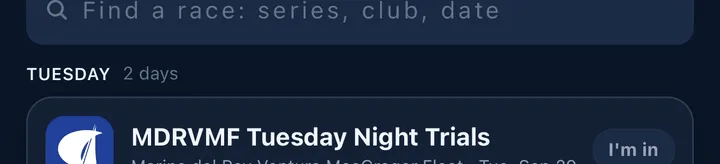
Find the race and tap I’m in on the right of the row.
-
If you have more than one boat, Slipside asks Which boat? and lists them, plus No boat. With one boat or none it just saves.
The button changes to a green ✓ In and the race moves into My Races. To change the boat or remove the race, tap the button again: with several boats you get Switch to… and Remove from My Races; with one boat, tapping it removes the race.
You have to be signed in. Tapping it signed out offers Go to Profile.
What My Races shows
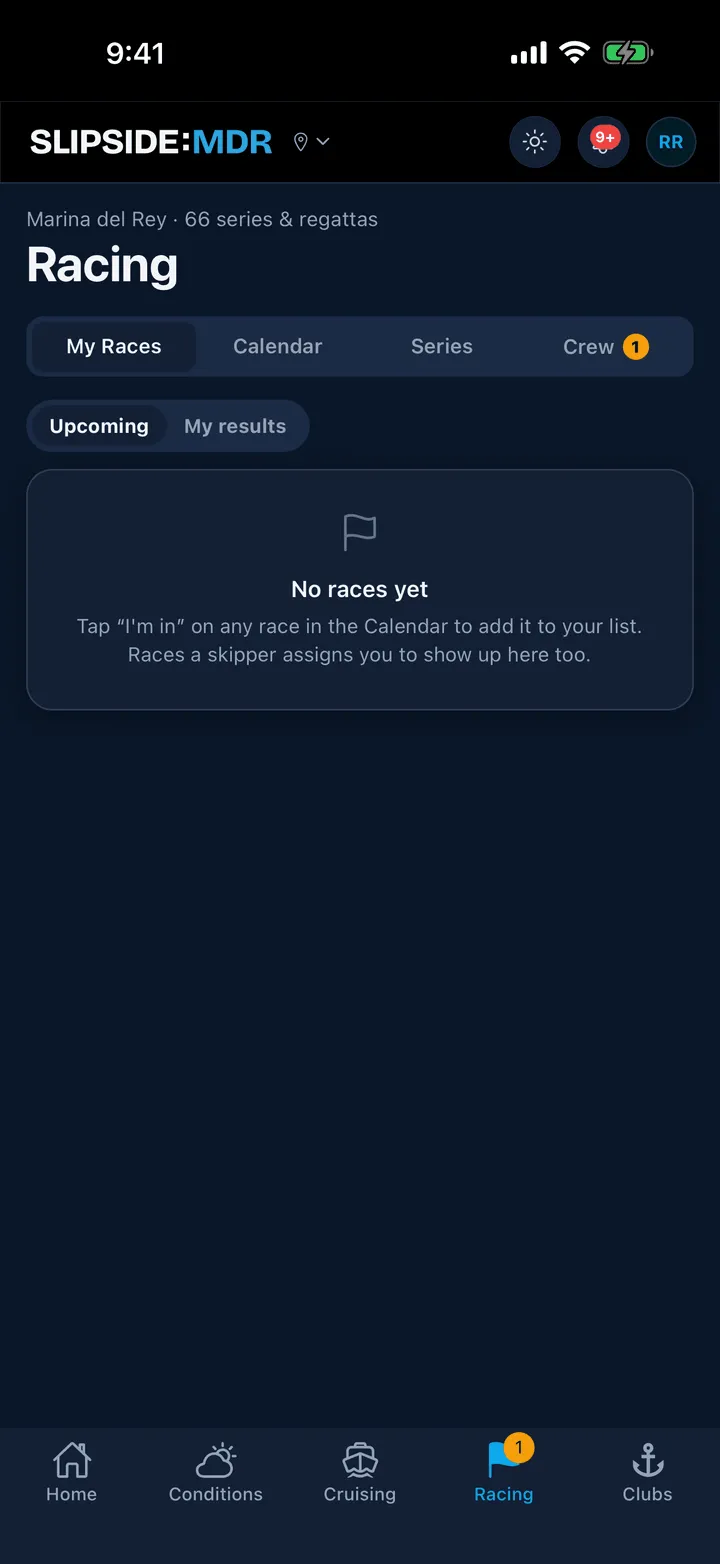
At the top, the next race you are in, with the club, the date, the course if the club published one, and either its forecast blurb or the line Forecast posts race day. Under that, a Crew strip that opens the race’s crew list; it reads Assign crew, or a lineup summary such as 2/4 confirmed, or Confirm your spot when a skipper is waiting on you.
Below the hero, your races are grouped by boat: the boat’s name for a boat you own, Crewing on {boat} for one you have been assigned to, and No boat tagged for the rest.
If a skipper has invited you to a boat, an amber card sits at the top. Tapping it opens Crew Activity, which is the one place invitations are answered.
My results
The toggle at the top switches from Upcoming to My results: every race this season where the posted results contain your boat, with your finish, for example 3rd of 12 · PHRF B.
This list is built by matching, not by what you tapped. Slipside looks for your boats in the clubs’ published results by sail number and boat name, so it includes races you never marked and shows nothing at all if your boats have no sail number. If a season looks empty, open Profile, then My Boats, and add the sail number exactly as it appears on your sail; the prefix does not matter, because the digits are what is matched.
Still stuck? In the app, open Profile, then Help & Support, and use Send to support. Otherwise email support@slipside.app.